HDK permissions on the Toruń City Card
date
5 March 2025
category
Starting from March 1, a blood donor holding the title of ZHDK I degree and HDK-ZdZN can encode the entitlement to free rides on the Toruń City Card.
We remind you that starting from March 1, a blood donor holding the title of "Deserved Honorary Blood Donor I degree" (ZHDK I degree) and "Honorary Blood Donor - Deserved for the Health of the Nation" (HDK-ZdZN) can encode their right to free rides (I and II zone) on public transport vehicles of MKZ Toruń on the Toruń City Card – JO. Why this change? The change results from Resolution No. 99/24 of the City Council in Toruń. You can familiarize yourself with the legal act on the above page.
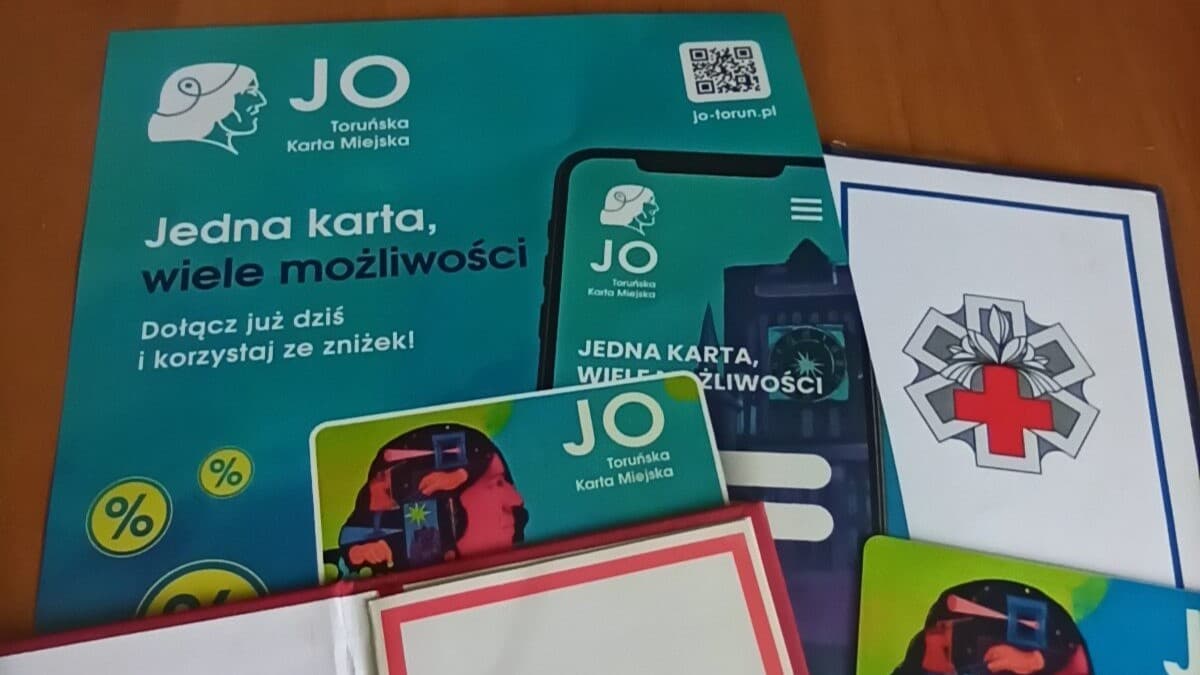
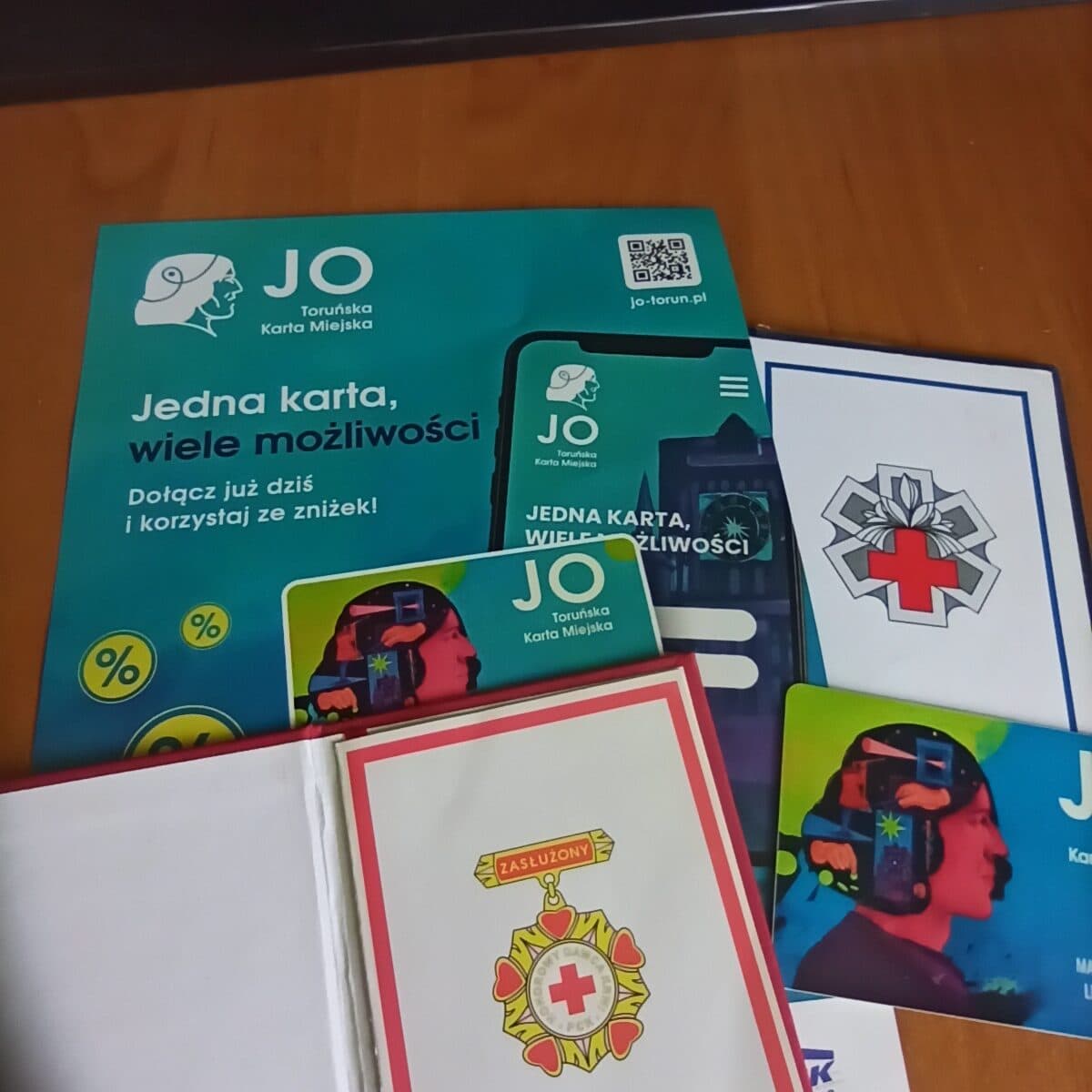
The above card has both the format of a plastic card (see photograph) and the mobile application "JO-Toruń". Before we explain how to do this, we will first explain why it is worth having a document entitling you in this form. Until now, the existing documents confirming our rights were the IDs of the Deserved Honorary Blood Donor I degree and the ID of the Honorary Blood Donor - Deserved for the Health of the Nation. Unfortunately, these documents are not convenient to use. Firstly, they do not have a "usable" format; thus, they are not the size of payment cards, do not fit in standard wallets, which means you have to carry them separately. Secondly, the outer cover of the ID, more precisely its material, easily gets damaged, especially when carried constantly. Although it was possible to issue an annual ticket as ZHDK I degree, coding the entitlement permanently is a big plus. Submitting an application for a duplicate of the HDK-ZdZN ID is also more labor-intensive, and the procedure for obtaining it takes longer. Therefore, it is worth replacing the ZHDK I degree and HDK-ZdZN ID with the Toruń City Card JO. Let's now present the individual steps.
First, you need to create an account on the portal jo-torun.pl
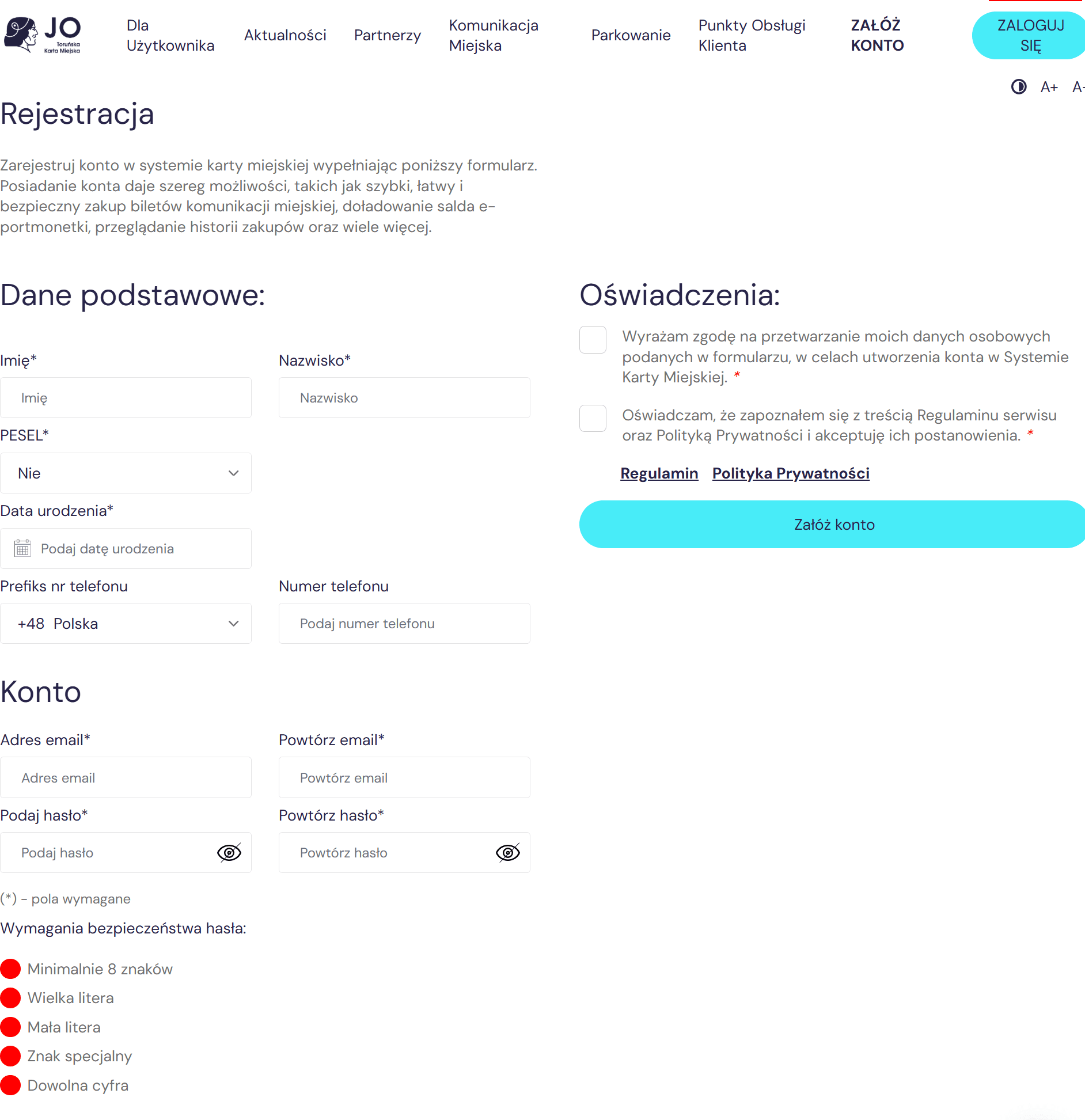
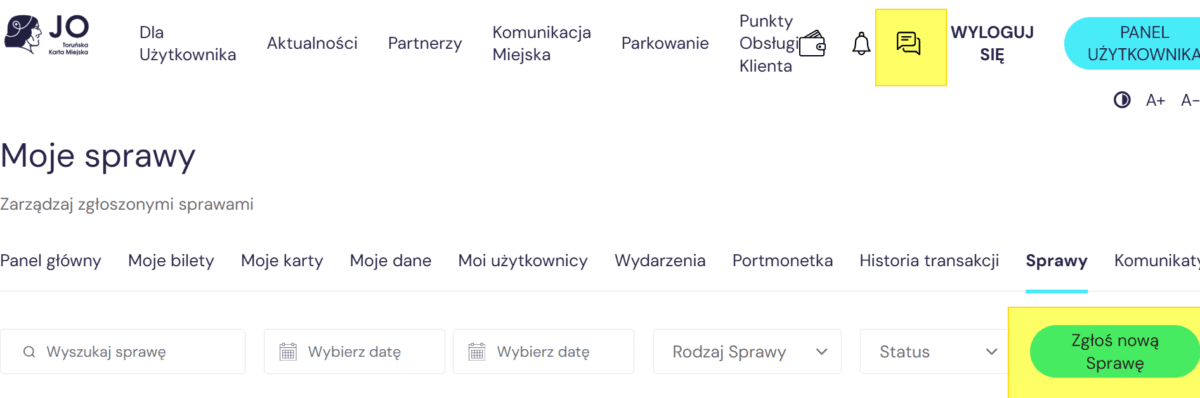
Next, activate the account on your email that you provided during registration. Once you have an active account, log into the website jo-torun.pl. After logging in, go to the menu in the "User Panel".
Once inside, you need to click on the "My Matters" option and "Report a new one".
A list of matters that you can handle through the portal will appear. We select the topic "Request for granting a discount or resident status" and then "Special Tickets..."
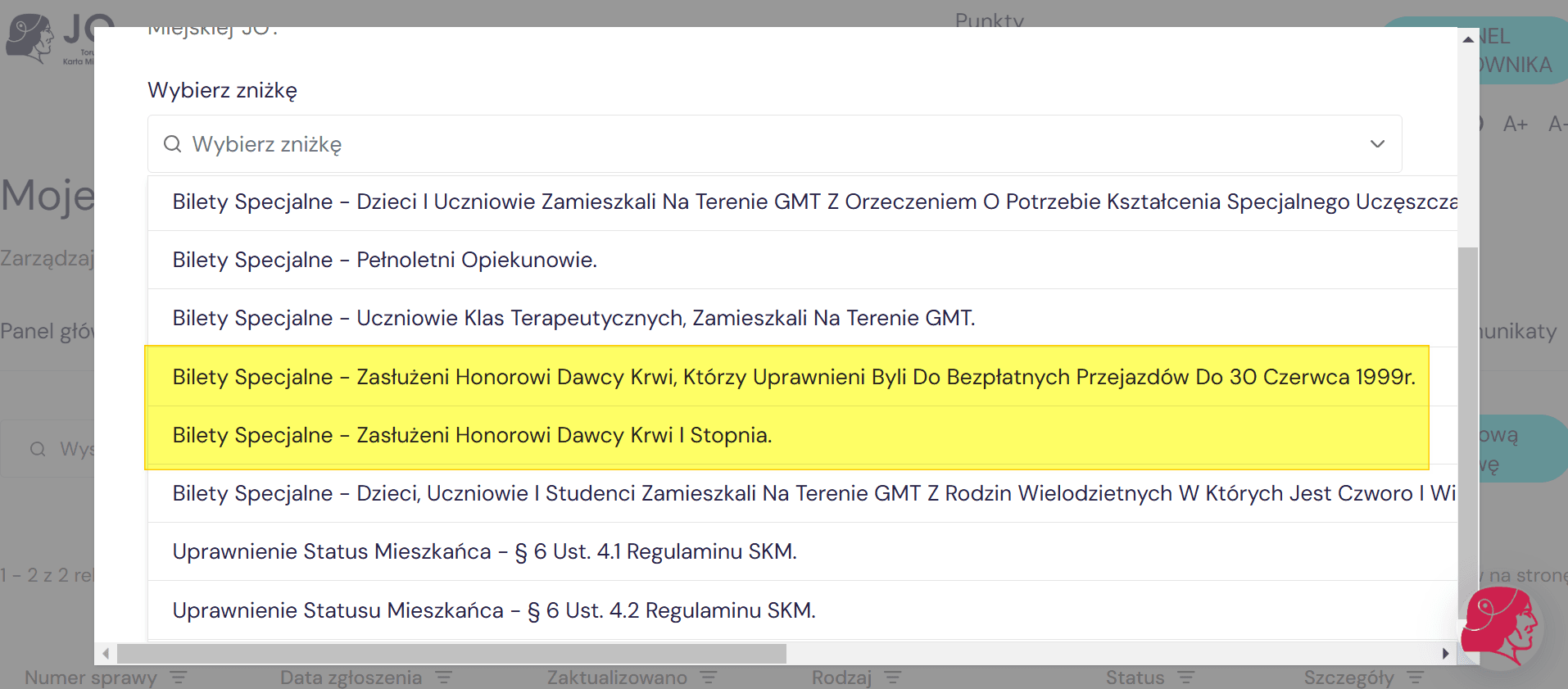
In the graphic, you do not see HDK-ZdZN because I have already used this option :) ATTENTION! When filling out the application, you will need to take a photo of 2 sides of the ID.
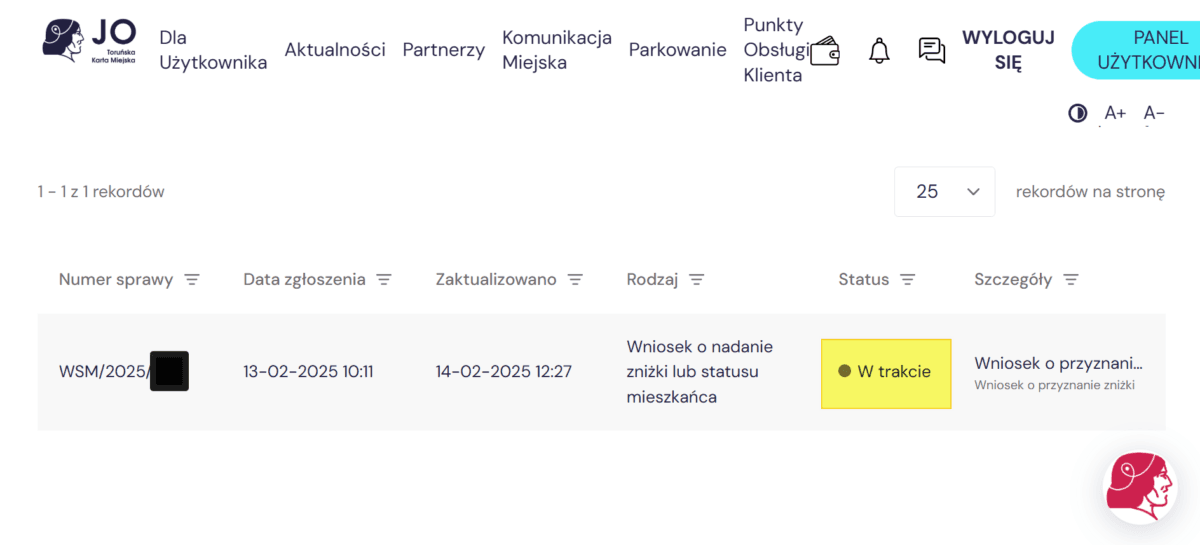
You will then be informed about changes in the status of the submitted application as time goes by.
The last step is to choose the type of Toruń City Card "JO":
– plastic card (see photograph)
– virtual card in the form of a mobile application JO-TORUŃ (android) and JO-TORUŃ (iOS)
– payment card (debit) / credit card
– ID
In the "Usage Panel" we choose "My Cards" and then
We make the selection by clicking "Report a new case" and from the drop-down menu of types of matters, we choose "Request for issuing a City Card" and then "Add new card."
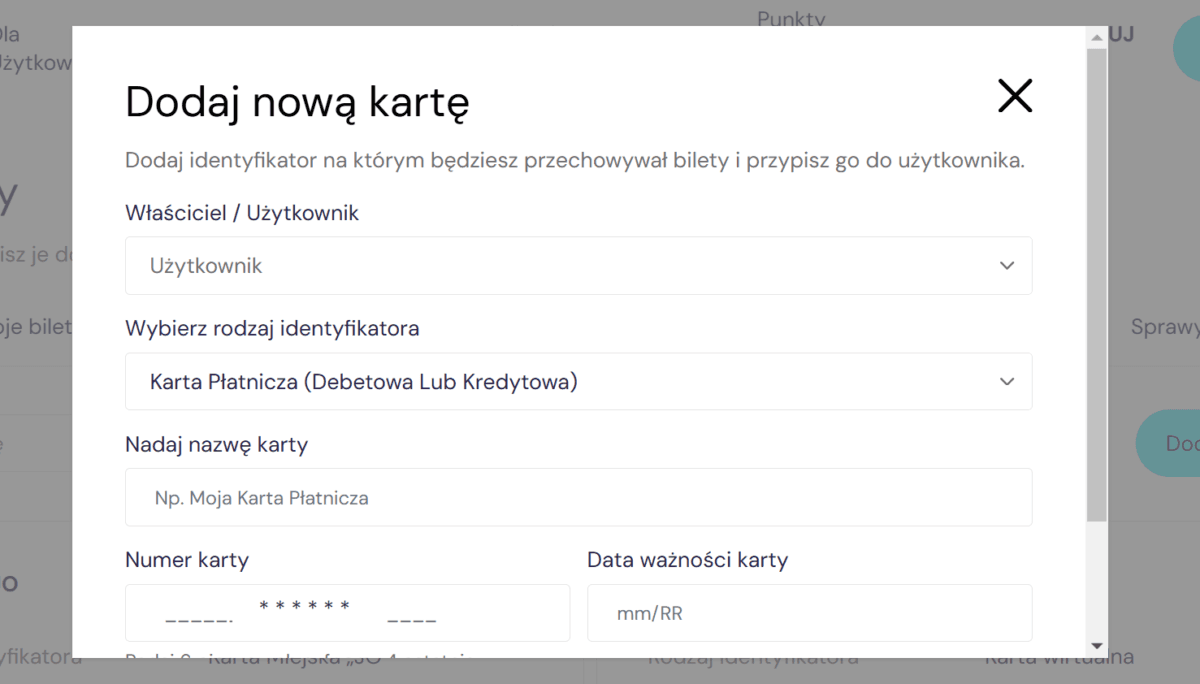
It can also be done through the option "Report a new case."
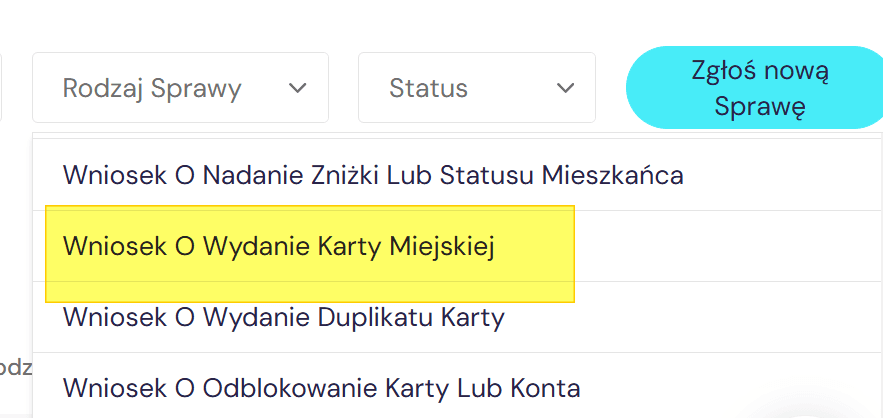
We fill out the application by completing the data.
By clicking on "Case Number" in the "My Matters" menu, we can track detailed information about the consideration of our request.
Return
Website sponsored by home.pl

You are currently viewing a page filtered by content from the department. Cała PolskaIf you want to view content from Cała Polskaclick the button